The story
The Gilbreth story:
Finding the one best way
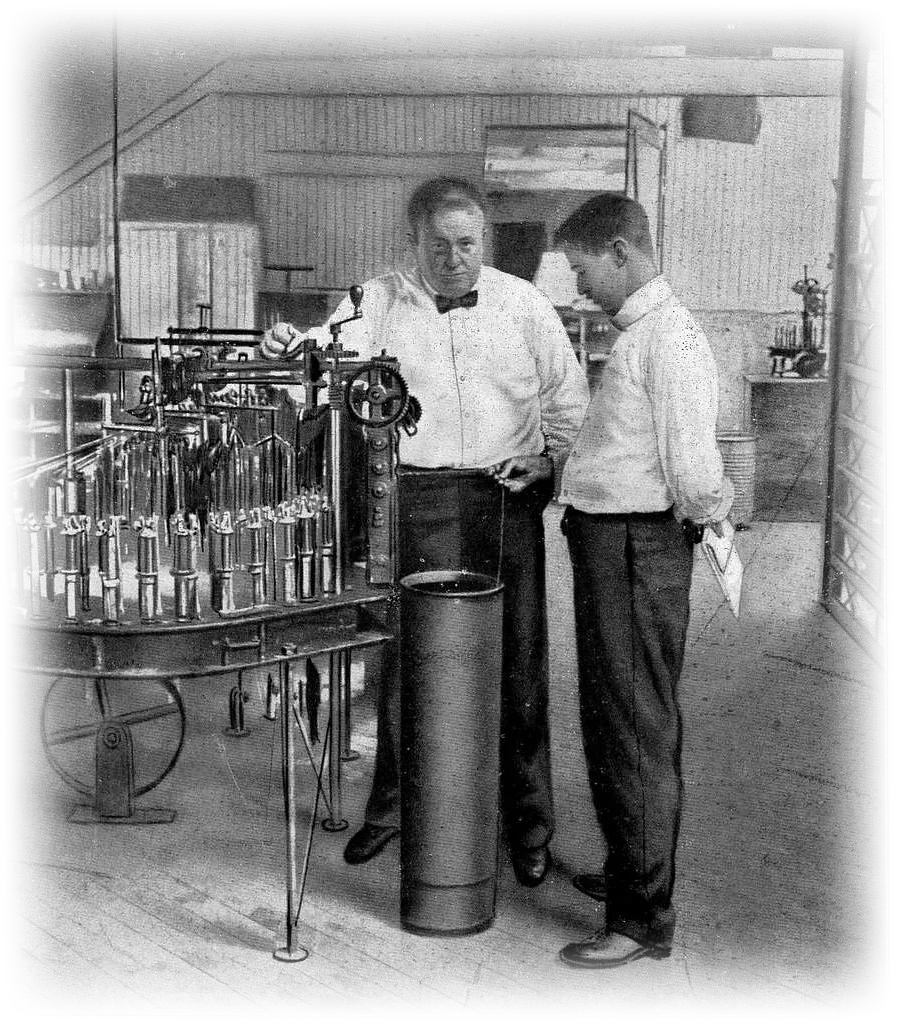
In 1885, a young bricklayer named Frank Gilbreth noticed something strange: no two masons laid brick the same way, and none of them could say why they moved the way they did.
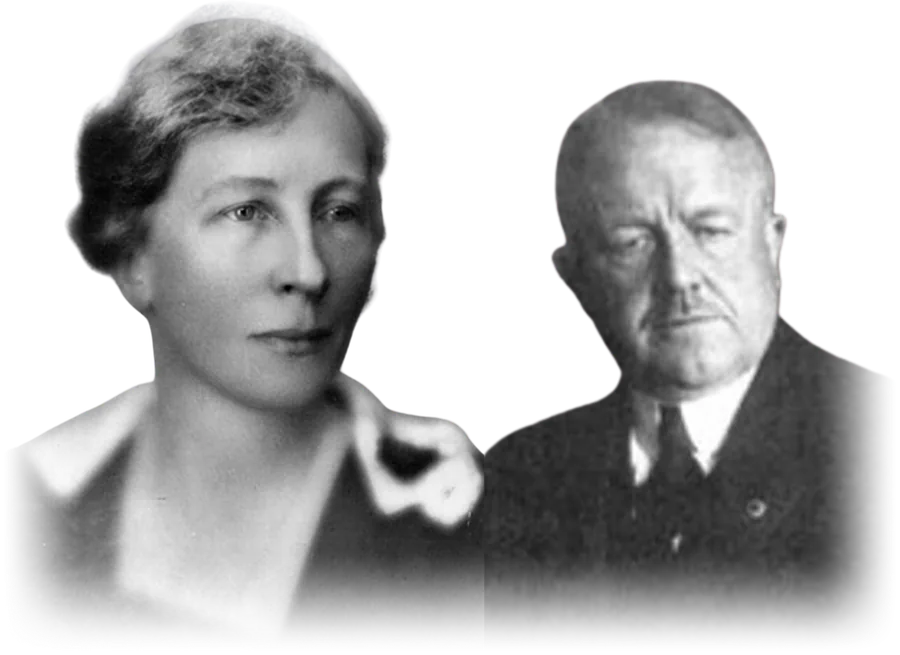
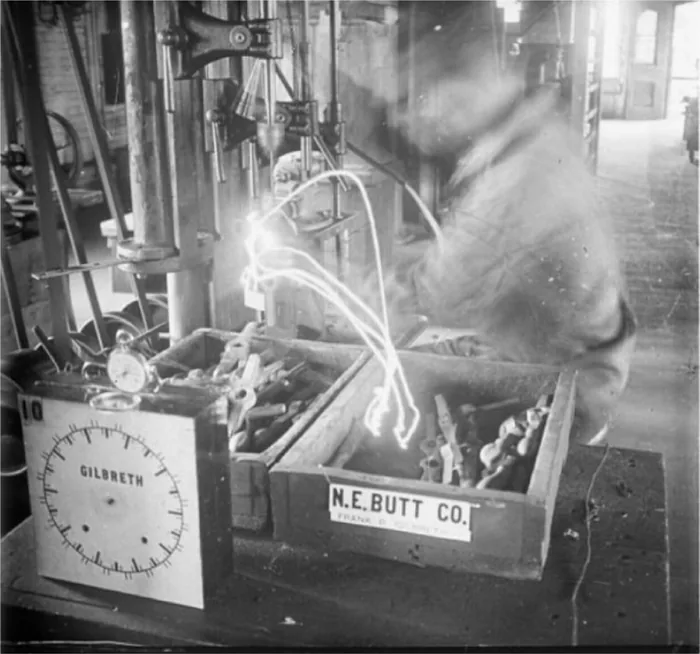
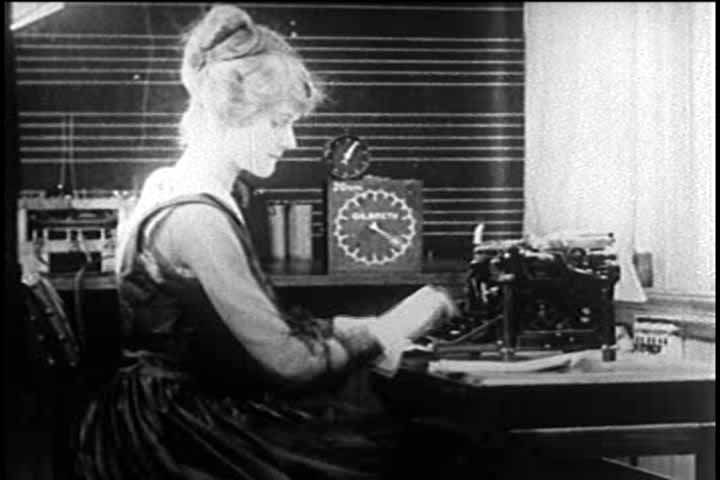
So he started watching. Then filming. Frank and his wife Lillian, one of the first industrial psychologists (later called the First Lady of Engineering), broke work down into its elemental motions: search, find, grasp, position, rest, plan. They called these units therbligs (their name spelt backwards, roughly). They strapped small lights to workers' hands, photographed long exposures, turned invisible habits into visible ribbons of light, and called it the chronocyclegraph. For the first time, anyone could see wasted motion.
The results were stunning. Bricklaying went from eighteen motions per brick to about four and a half. Output nearly tripled — and the masons went home less tired.
That last part matters. While Frederick Taylor stood over workers with a stopwatch demanding speed, the Gilbreths removed the motions that wasted effort. Lillian's rule was non-negotiable: efficiency serves the worker, never the other way around.
(You may already know this family — two of their twelve kids wrote Cheaper by the Dozen about growing up inside the experiment.)